Audio Checkup
Give your recordings a checkup — find noise, clicks and volume problems, then fix only what you choose.
Everything you need for a cleaner recording
A checkup first, then repairs only where you want them.
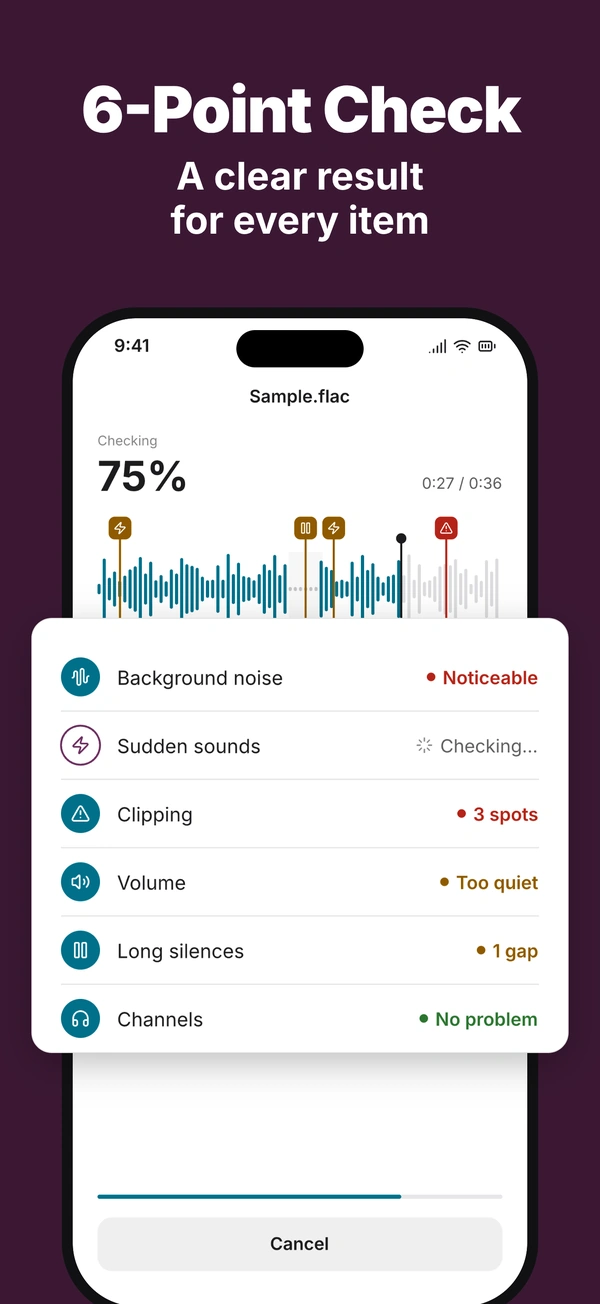
Six-point sound checkup
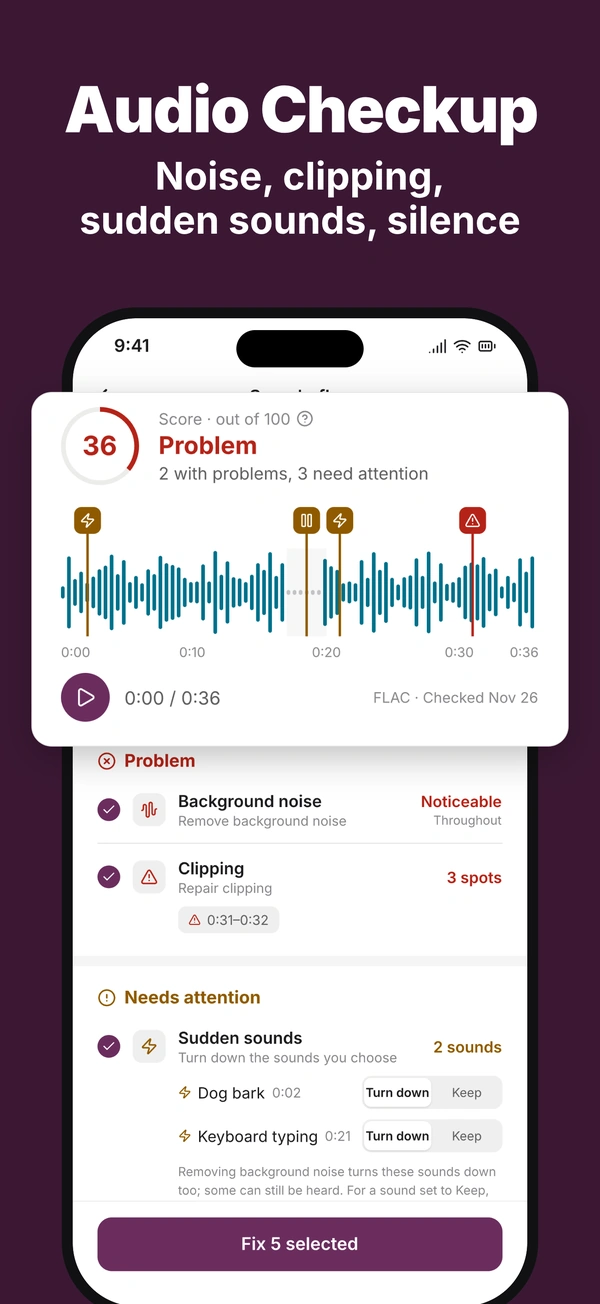
Background noise, sudden sounds, clipping, volume, long silences and one-sided stereo — one report with a score and a timeline.
Works on videos too
Checks the audio track inside MP4 and MOV clips without touching the picture.
Import from anywhere
Files, Photos, Music library, WiFi transfer or AirDrop — your workflow stays intact.
Fix only what you choose
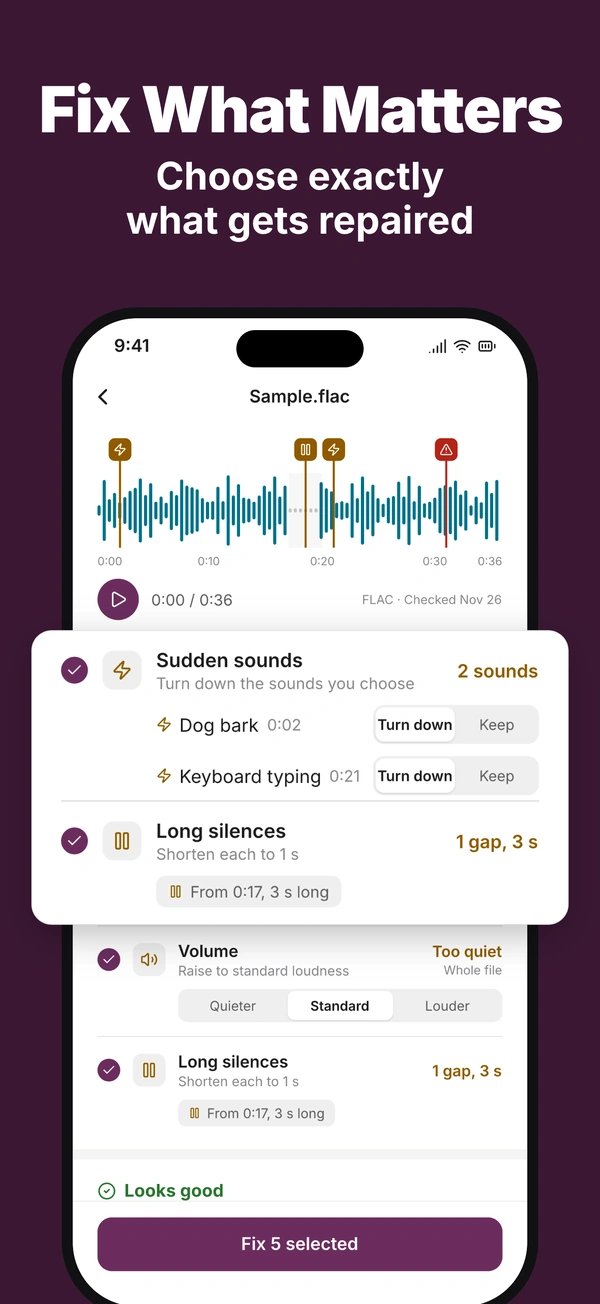
Tick the problems to repair: noise, sudden sounds, clipping, volume, or long silences. Stereo issues are reported, not changed.
Compare before and after
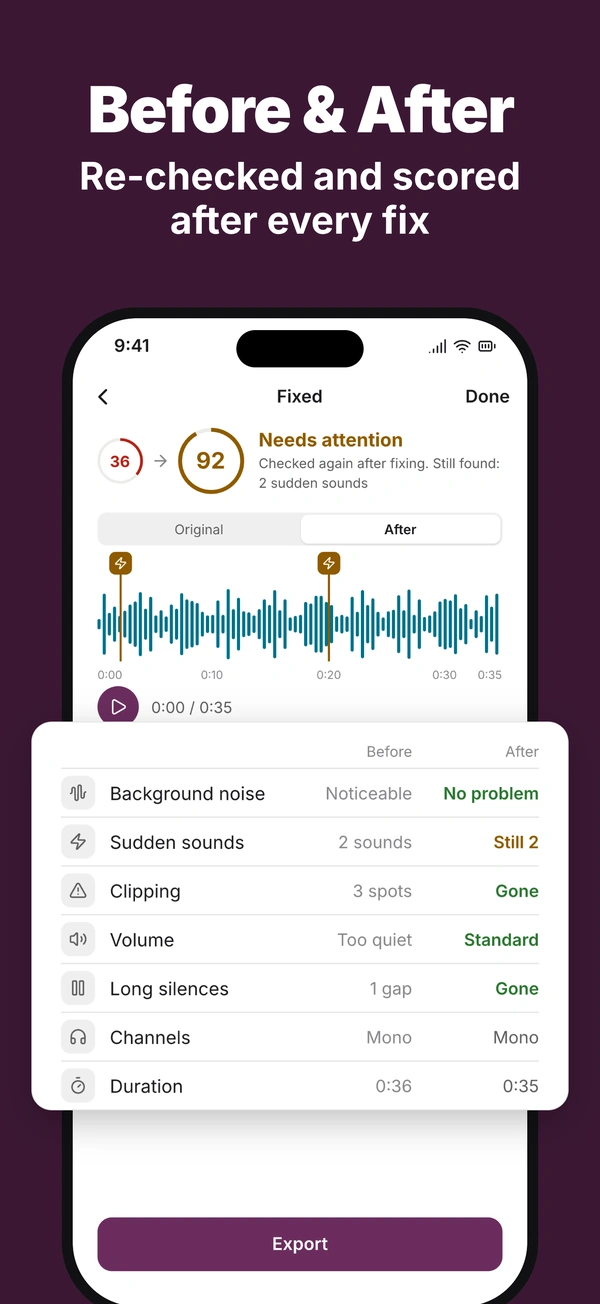
Every fix is checked again automatically, with a before-and-after comparison.
Export your way
Video, MP3, M4A or WAV — save to Files or share.
Made in three steps
Import your file
Audio or video, from Files, Photos, Music, WiFi transfer or AirDrop.
Get the checkup
See a score, a problem list and a timeline. Choose what to fix.
Export and share
Compare before and after, then save the fixed audio or video.
What will you fix today?
Meetings & interviews
Spot hum and sudden noises in recorded conversations, then repair them selectively.
Podcasts & voiceovers
Clean up dialogue without over-processing the parts that already sound right.
Lectures & classes
Find and fix background chatter in long recordings.
Video clips
Check and repair the sound of videos shot outdoors or in the wind.
Frequently asked questions
Is Audio Checkup free?
Yes. Checkups, fixes and previews are free. Exports are limited: 10 in total, up to 3 a day, and for recordings longer than 10 minutes only the first 3 minutes are exported. Premium removes these limits.
Can it check the sound of a video?
Yes. Import a video and the app checks and fixes its audio track, then exports the fixed video — the picture is untouched.
Do I need an account?
No. Audio Checkup works without an account, and your files stay on your device.
Which devices are supported?
iPhone and iPad running iOS 15 or later, and Android devices via Google Play.
What does it check?
Background noise, sudden sounds (dogs, babies, keyboards, footsteps, coughs, ticking, vacuum, rain, sirens, engines), clipping, volume, long silences and one-sided stereo.
Give your recording a checkup
Free download. No account needed.